Icon Here

New: Android app and Fleet Portal now available

Icon Here

New: Android app and Fleet Portal now available

Icon Here

New: Android app and Fleet Portal now available

Set up your charging card
Follow three simple steps in the StromNow app to get your charging card ready to use.

Follow three simple steps in the StromNow app to get your charging card ready to use.

Follow three simple steps in the StromNow app to get your charging card ready to use.

1

1

Create or sign in to your account

Create or sign in to your account

Open the StromNow app, create your account or sign in with your existing login details. Then follow the instructions on your screen to get started.

Open the StromNow app, create your account or sign in with your existing login details. Then follow the instructions on your screen to get started.

2

2

Activate your charging card

Activate your charging card

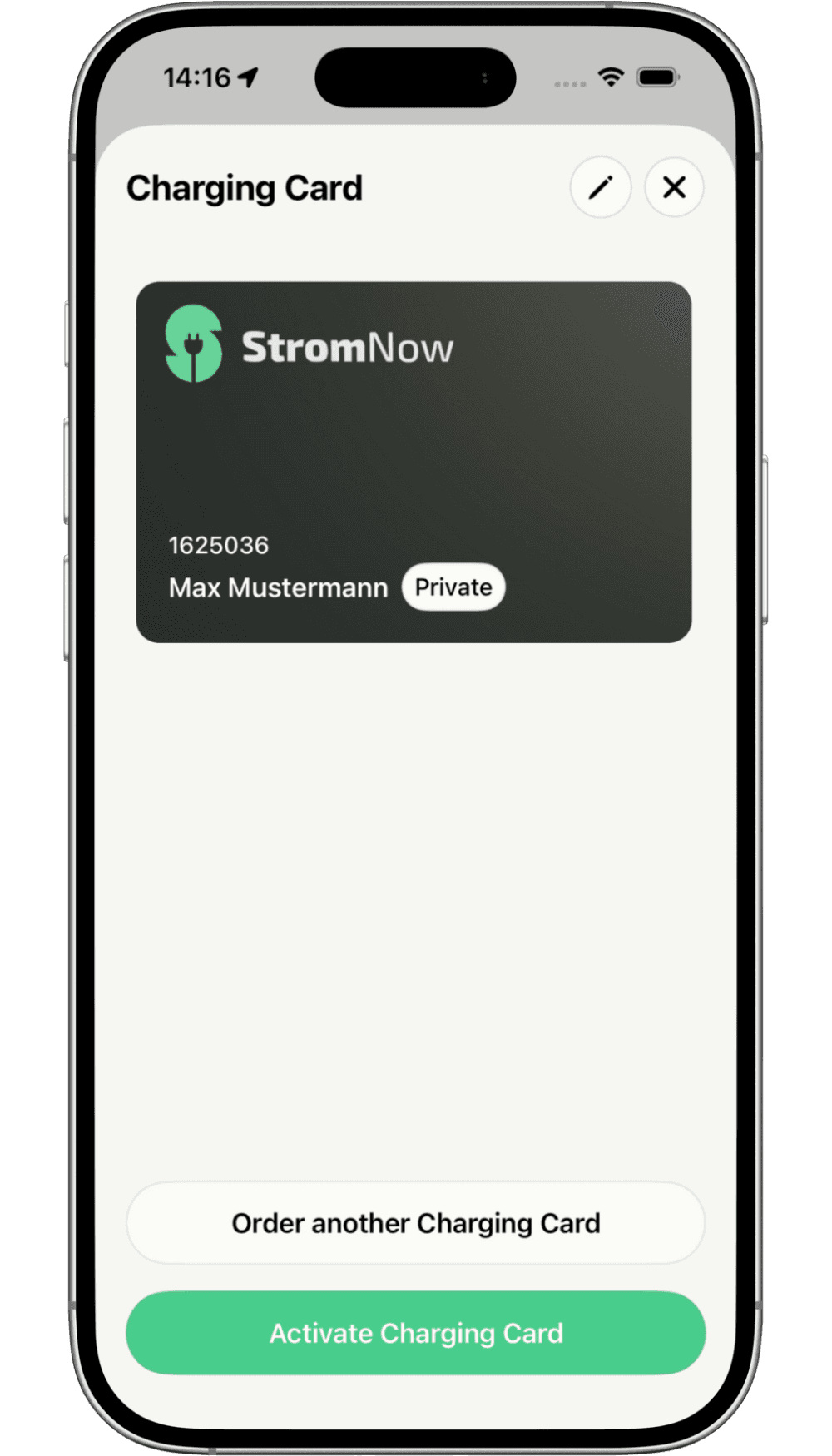
Open the charging card setup in the StromNow app and enter your card number. Once activated, your StromNow charging card is ready to use at supported charging stations.

Open the charging card setup in the StromNow app and enter your card number. Once activated, your StromNow charging card is ready to use at supported charging stations.

3

3

Manage your charging card

Manage your charging card

Manage your charging card anytime in the app. You can view card details, check supported charging access and stay in control of your StromNow charging card.

Manage your charging card anytime in the app. You can view card details, check supported charging access and stay in control of your StromNow charging card.

How to start charging with StromNow

How to start charging with StromNow

How to start charging with StromNow

How to start charging with StromNow

1

Find a suitable charging station

Use the map in the StromNow app to find a charging station that fits your needs. Filter results by connector type, charging speed or route, and choose a station that works for your trip.

2

Start charging with your card or app

StromNow gives you access to one of Europe’s largest charging networks. Start your charging session with your StromNow charging card or directly through the app.

3

Charge your EV

Your charging sessions are billed session based. You can view your charging history and invoices in the StromNow app under “Activities”. Make sure a valid payment method is saved so you can charge without interruption.